

Rulia - manga and comic reader for Windows
- CLICK TO START -

Manga & Comic Reader for Windows

download-badge
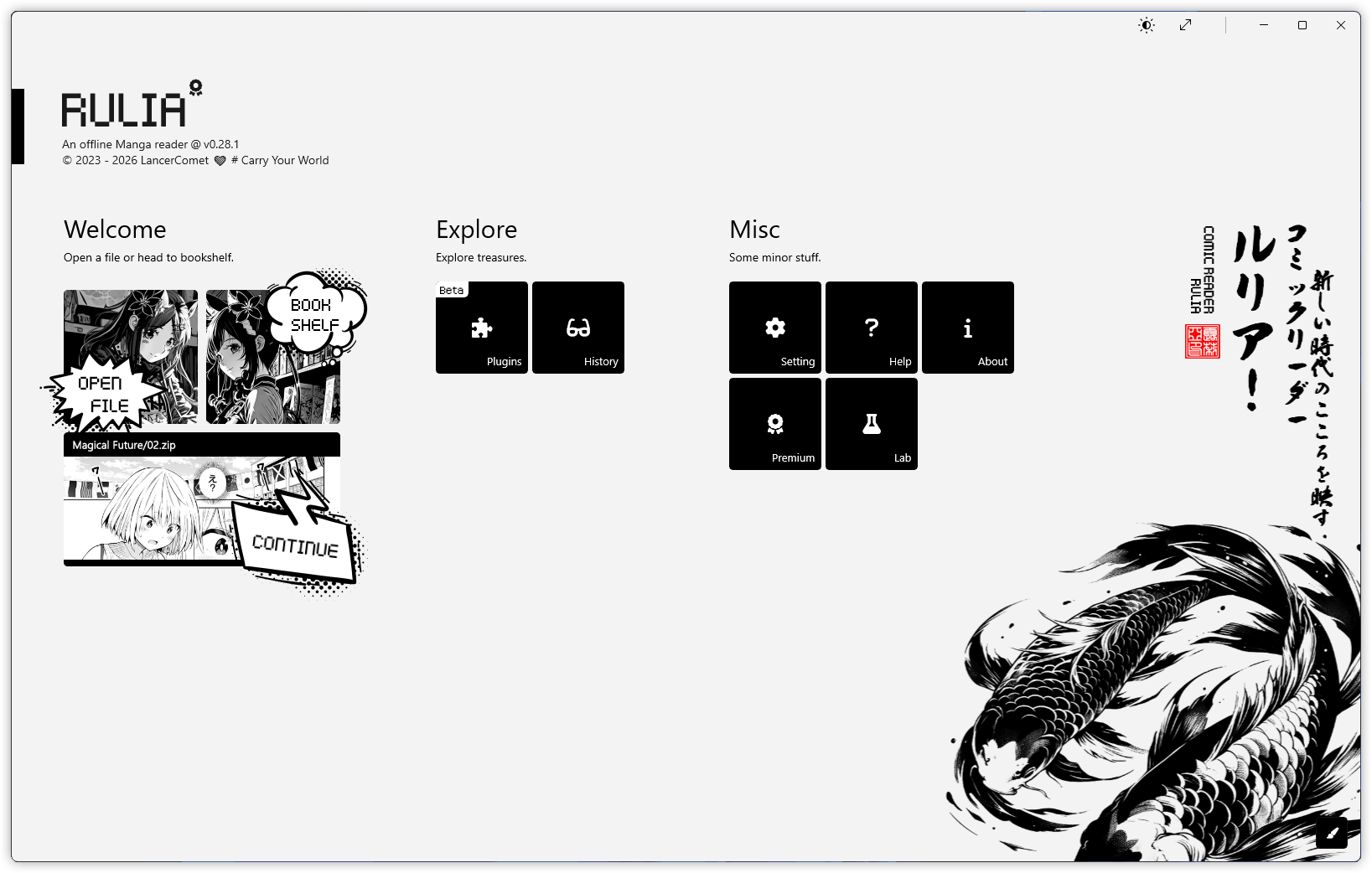
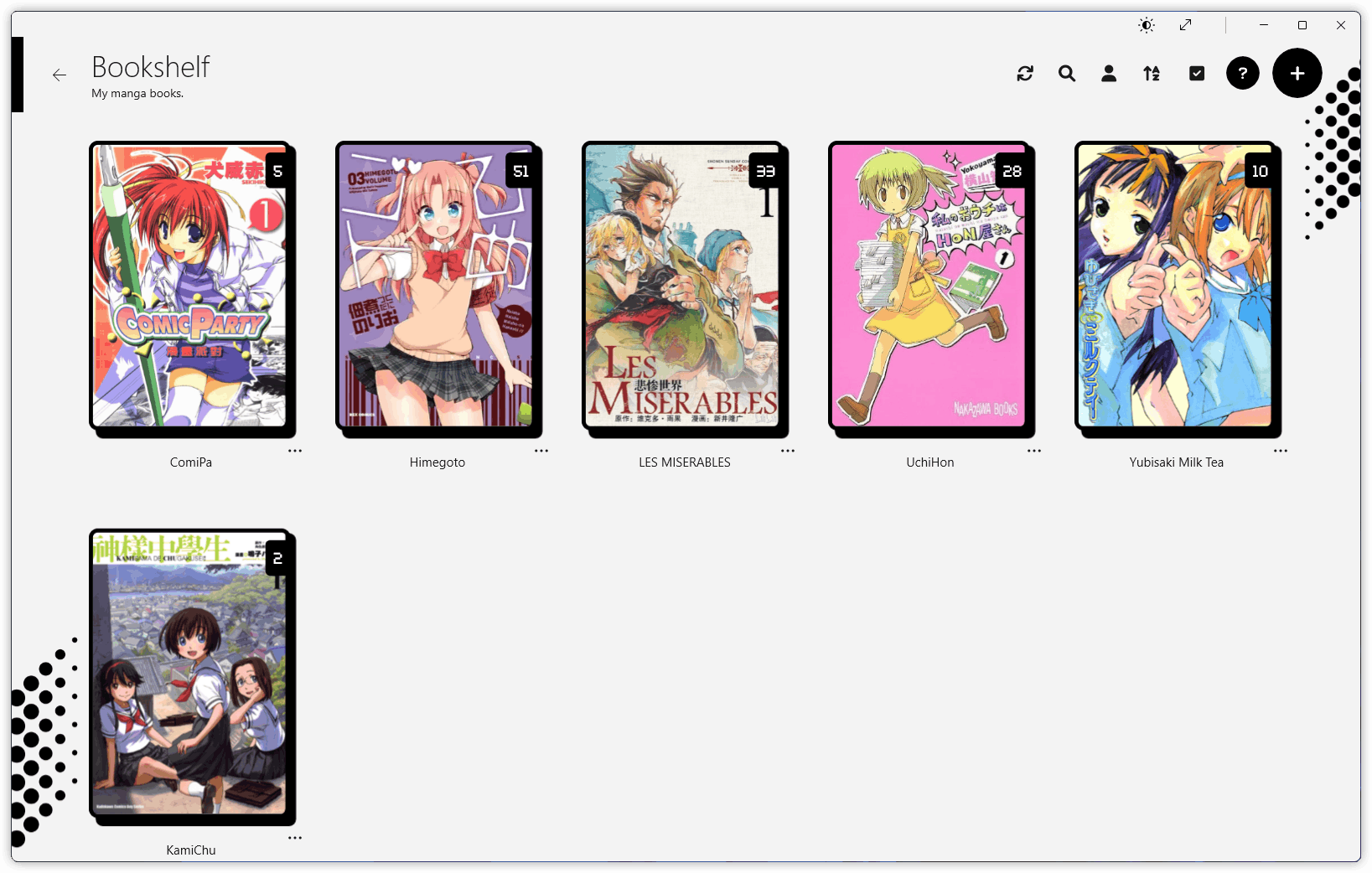
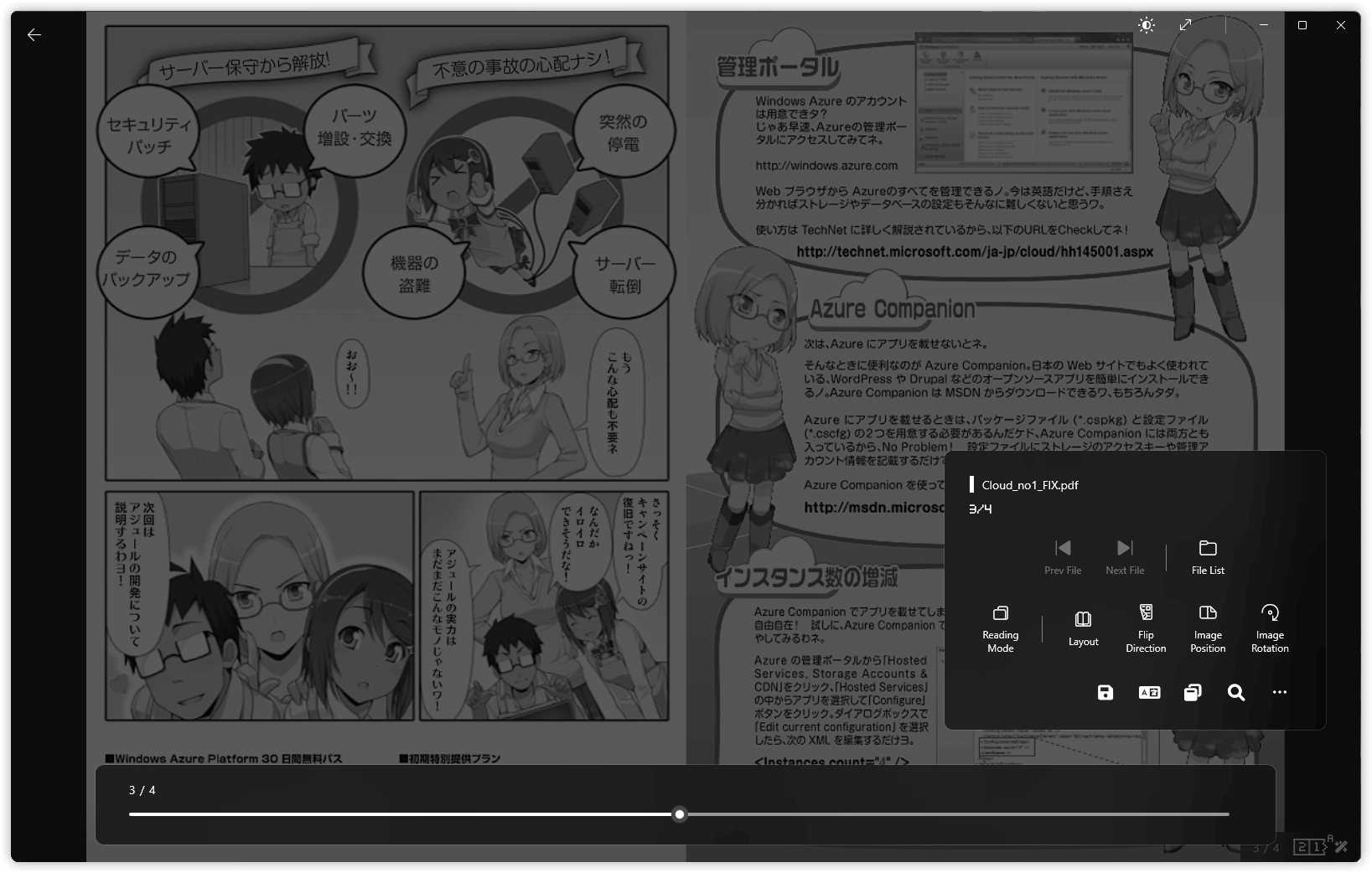
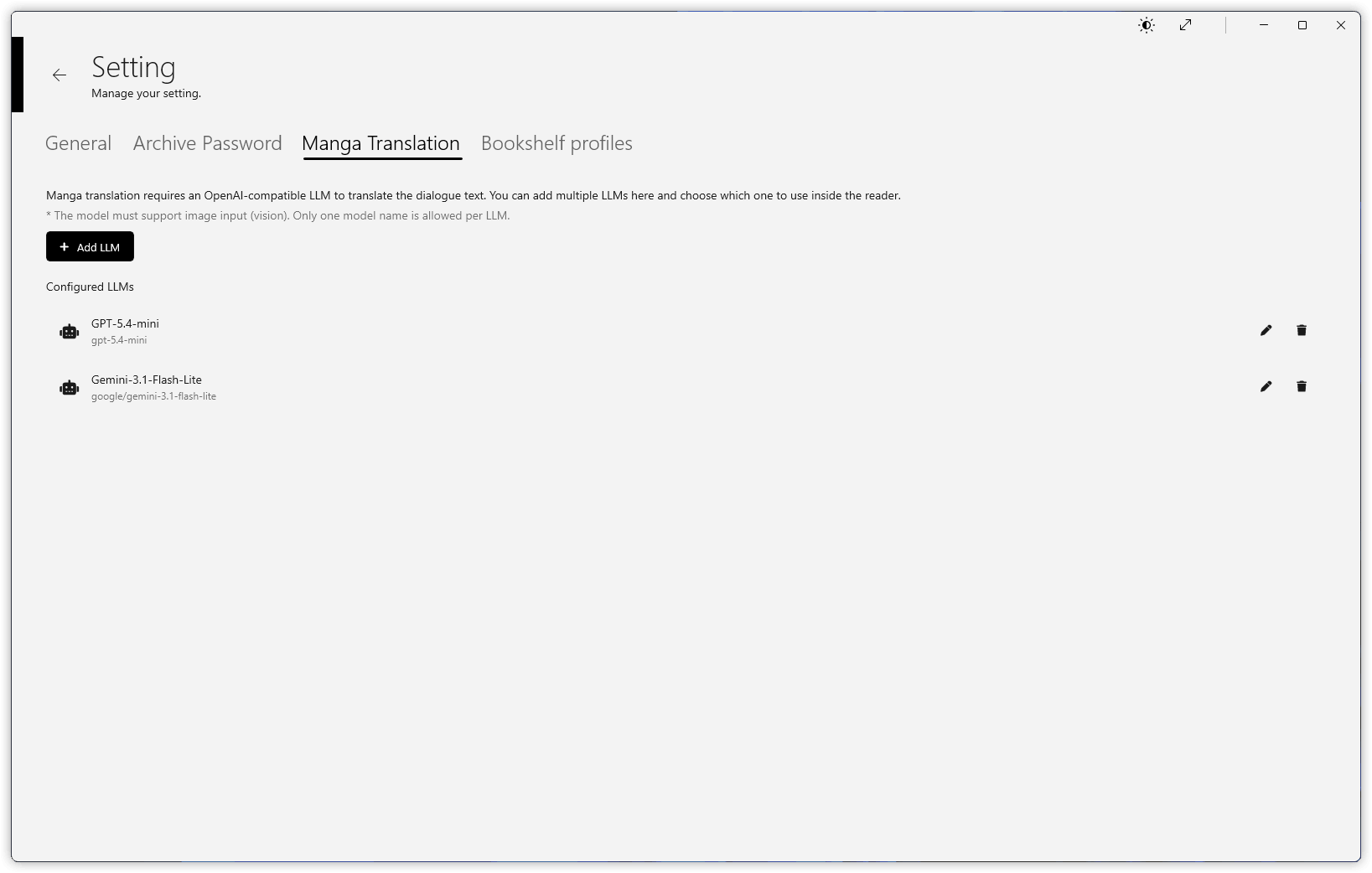
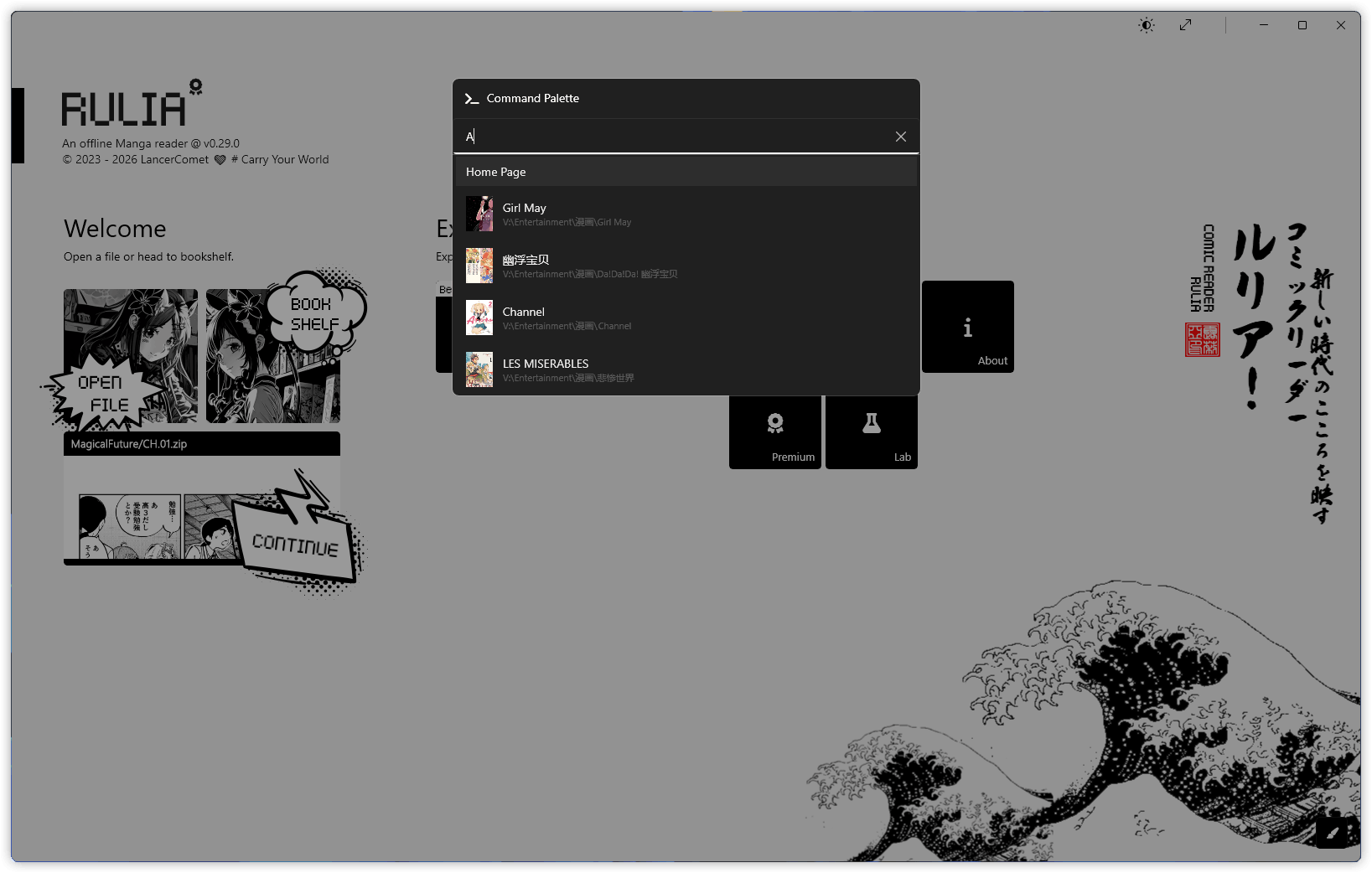
Rulia manga and comic reader app screenshot on WindowsRulia manga and comic reader app screenshot on WindowsRulia manga and comic reader app screenshot on WindowsRulia manga and comic reader app screenshot on WindowsRulia manga and comic reader app screenshot on Windows
1 / 5

Enjoy Manga & Comics on Windows

Reading manga and comics should be fun, not a chore.

Enjoy the moment and leave everything else behind.

Open CBZ, CBR, EPUB, PDF and Every Comic Format

Manga and comic archives come in all kinds of formats, so Rulia is ready for them all.
・Supports cbz, cbr, cb7, zip, rar, 7z, tar, pdf, epub, mobi, azw3
・Three reading modes: Horizon / Infinity / Book
・Multiple layouts: Single Page / Double Page / Horizontal & Vertical Scroll
・Image processing: Denoise, Super Resolution, Trim Margins, Crop...
No rush. Explore them whenever you need.

AI Translation & Image Upscaling Built In

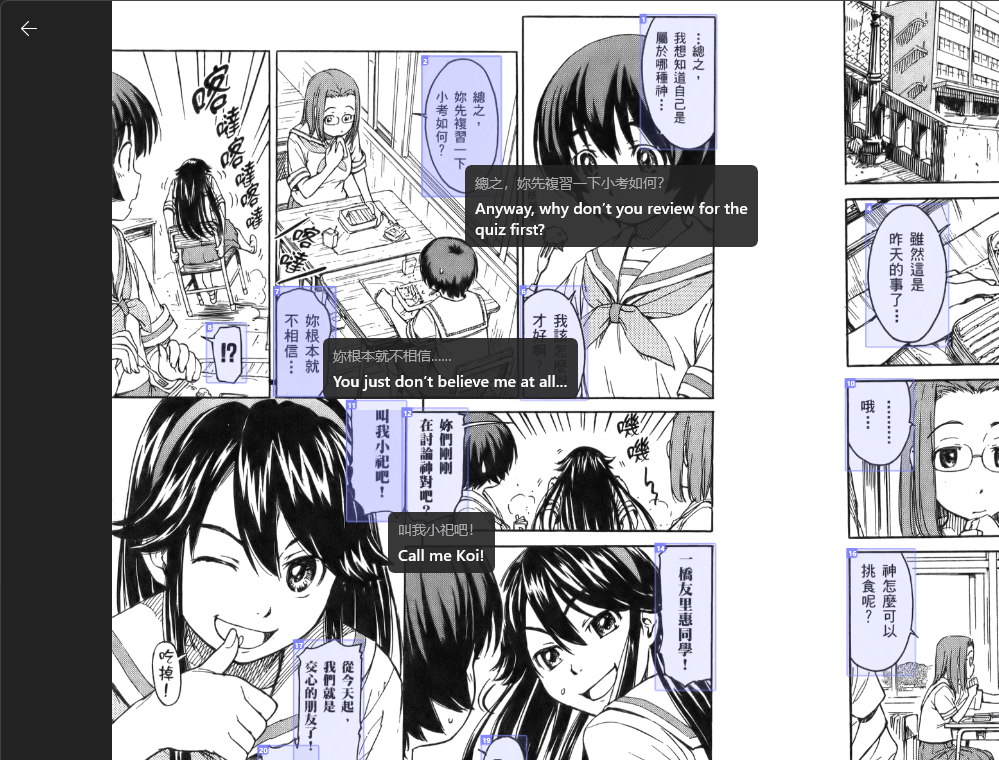
Now that AI has matured, use it to translate raw manga and comics, and upscale low-resolution pages into crisp, readable images.

AI translation of a manga page in Rulia

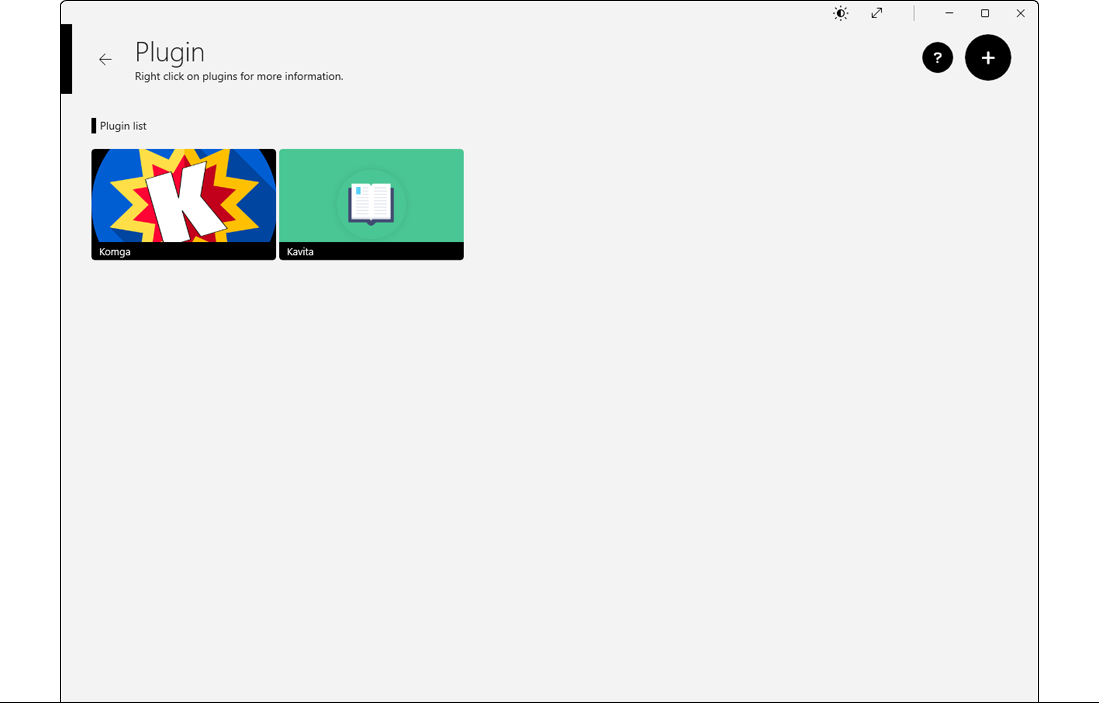
Connect Manga Sources with Plugins

Seamlessly integrate with other manga and comic source ecosystems.
More choices are always a good thing.
Rulia manga and comic reader plugin system

Designed for Touch — Tablet & Touchscreen Ready

Every screen and interaction is designed with touch in mind.
Touch is a first-class citizen in Rulia.

Download

Available on the Microsoft Store
download-badge